
Guide
Disney Dreamlight Valley: Developed Decorating Quest Guide
In this guide, we will walk you through the Developed Decorating quest for Scrooge McDuck in Disney Dreamlight Valley.

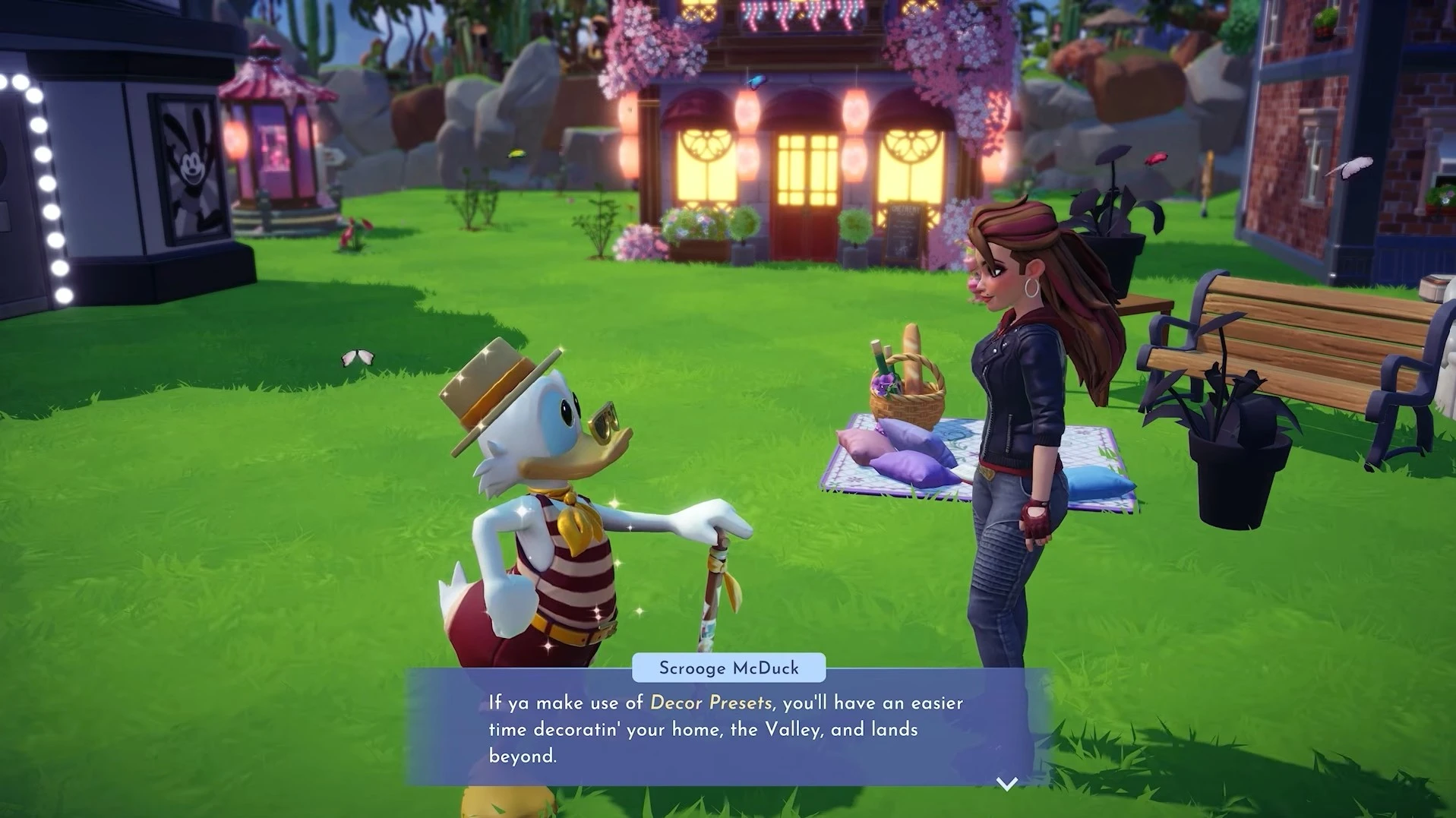
The Developed Decorating is a new story quest for Scrooge McDuck in Disney Dreamlight Valley. This quest introduces and explains the Decoration Presets feature. Players can use the Décor Presets feature to create and share preset codes with others. However, before players can use this feature, Scrooge McDuck can help explain it to them. In this guide, we will walk you through the Developed Decorating quest in Disney Dreamlight Valley.
Developed Decorating Quest Walkthrough – Disney Dreamlight Valley
The Developed Decorating quest becomes available early in the game. If you have unlocked Scrooge McDuck’s store, you can trigger the quest by speaking with Scrooge. Scrooge will tell you how to create Décor Presets using your magical backpack.
Create a Décor Preset
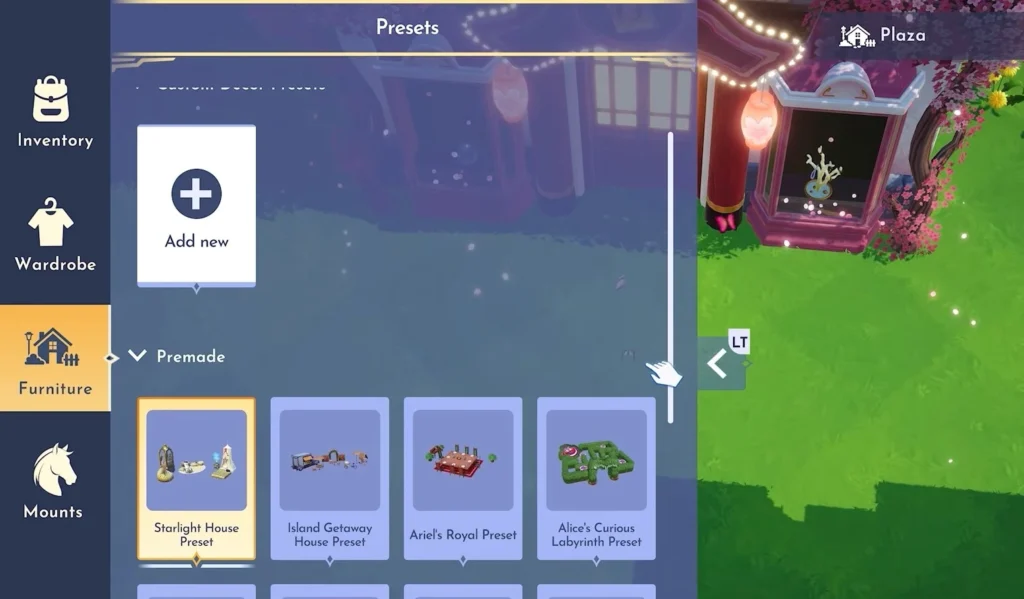
After speaking with Scrooge McDuck, open the Furniture Mode and navigate to the Presets section. Select the “Add new” option under the “Custom Décor Presets” section. Use the cursor to highlight the items in the Valley to turn them into a custom preset. After that, you can name your custom preset.
Re-use a Décor Preset
After creating a custom preset, open the presets again in the Furniture Mode and select the custom preset you just created. Place the preset anywhere in the Valley. Once done, speak with Scrooge McDuck. He will give you a Picnic Décor Preset with a Mirage.
NOTE: Mirage is an item that you currently do not have in a preset. You can either buy the item or craft it by interacting with the Mirage.
Decorate using the Picnic Décor Preset
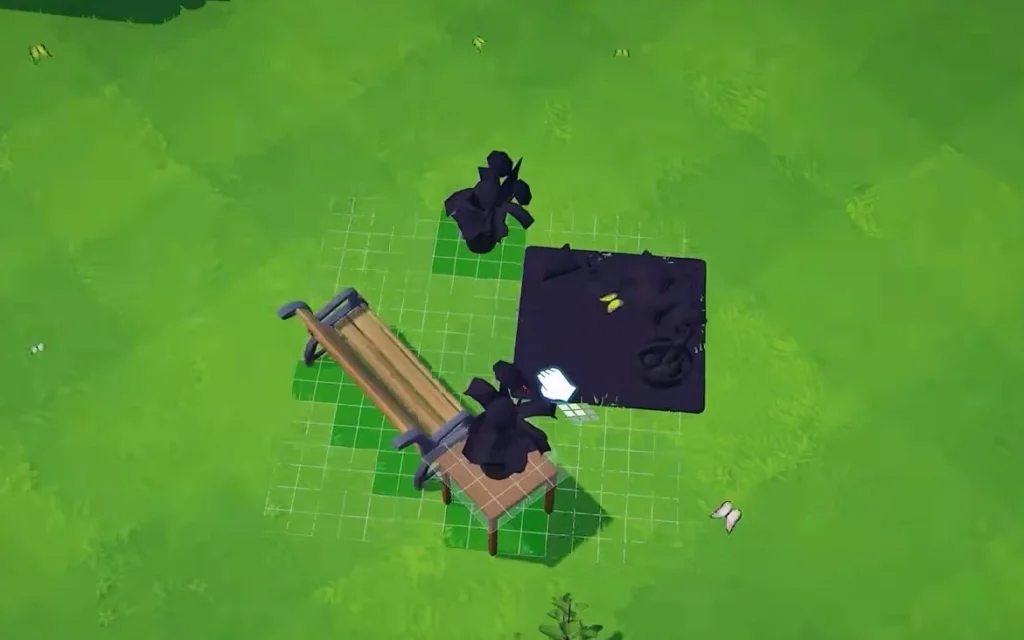
Open the Presets and look for the Picnic Décor Preset. Select it and place it anywhere in the Valley. Head over to the preset and interact with the Mirage. These are the black items that you currently do not have. You have to complete the Mirage by crafting the items or purchasing them. Interact with the mirage and add all the crafting materials to complete it.
After completing the mirage in the Picnic Décor Preset, speak with Scrooge McDuck. Go through the dialogue options and the quest will conclude.









Castlevania Belmont’s Curse: How to Unlock Sonia Style Costume

Castlevania Belmont’s Curse: How to Solve the Secret Giant Organ Puzzle – War & Famine Weapon


