
Guide
How to Unlock Rock Smash Move in Pokémon Pokopia
Discover how to unlock the Rock Smash Move in Pokémon Pokopia, including how to build the Exercise Resting Spot to get Hitmonchan.


Pokémon Pokopia is all about rebuilding a desolate island into a paradise for Pokémon. Your character has the capability to craft and build to welcome numerous Pokémon into your house. You can help Pokémon around the territory, which can help you earn crucial moves that can help you rebuild. One such early move is the Rock Smash move that allows you to break big stones and blocks to reshape the island. In this guide, we will tell you how to unlock the Rock Smash move in Pokémon Pokopia.
How to Get the Rock Smash Move – Pokémon Pokopia
To unlock the Rock Smash Move in Pokémon Pokopia, you must build an exercise resting spot and bring 2x stone to Hitmonchan.
Build an Exercise Resting Spot

The exercise resting spot is the primary requirement for unlocking Hitmonchan Pokémon. To do so, find a trace of a new Pokémon near a bench. After that, you need to find a Punching Bag near the area. Look around the area to find the Punching Bag and pick it up. Once done, bring the Punching Bag to the bench and place it down to build an Exercise Resting Spot. Now, wait for a bit, and Hitmonchan will appear at the resting spot.
Bring 2x Stone to Hitmonchan
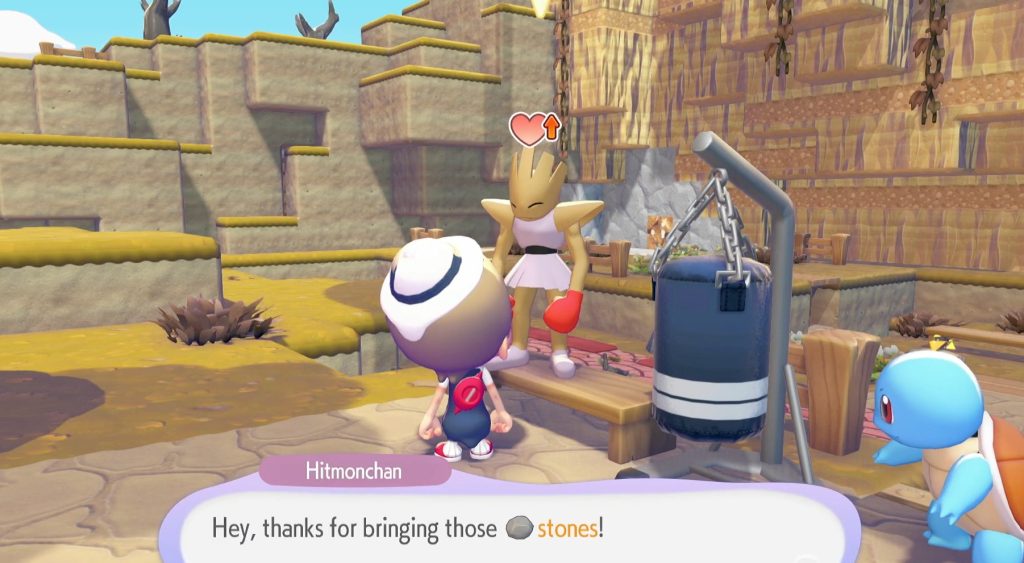
After discovering Hitmonchan, talk to him. He will ask you to bring 2x stone for some hard boxing practice. Accept Hitmonchan’s request and take a look around for stones. Pick up any 2 stones from the ground and bring them to Hitmonchan at the resting spot. Select the “Got you something” dialogue to give the 2 stones to Hitmonchan. Now, go through the dialogues, and your character will learn the Rock Smash Move.
How to Use the Rock Smash Move in Pokémon Pokopia
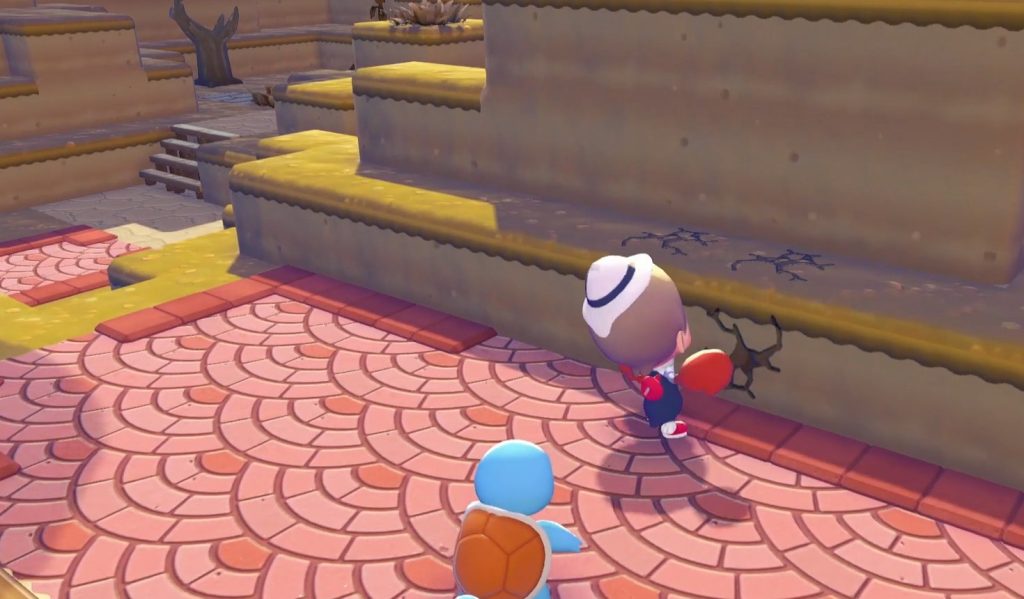
To use the Rock Smash Move, equip it by switching the moves with the Left and Right cursor buttons. After equipping the Rock Smash Move, press the ZR button to punch. Punching at a big rock will break it into little stones. Moreover, you can punch the blocks to reshape an area, like in Minecraft.










The Blood of Dawnwalker: How to Fast Travel

The Blood of Dawnwalker: How to Save the Mother


